
FieldFlag for parks and grounds
Every defect pinned, photographed and assigned before you leave.
Walk the park, the campus or the estate and mark what you find on an aerial photo: a broken bench, a lifted slab, a dead branch. Each one becomes a job with a place, a photo and a person.
Start for free. No credit card required.
The old way
Where paper, photos and memory let you down.
It looks fine from the car park
Then a closer walk finds a leaking valve, a lifted slab and a broken bench, and nothing says who will fix them.
"The bench by the big tree"
A defect described in words sends the crew to the wrong bench, or to none.
No record when it matters
Someone trips on a path. The question is when it was last inspected, and the answer is in a notebook.
How it works
Start recording in three steps.
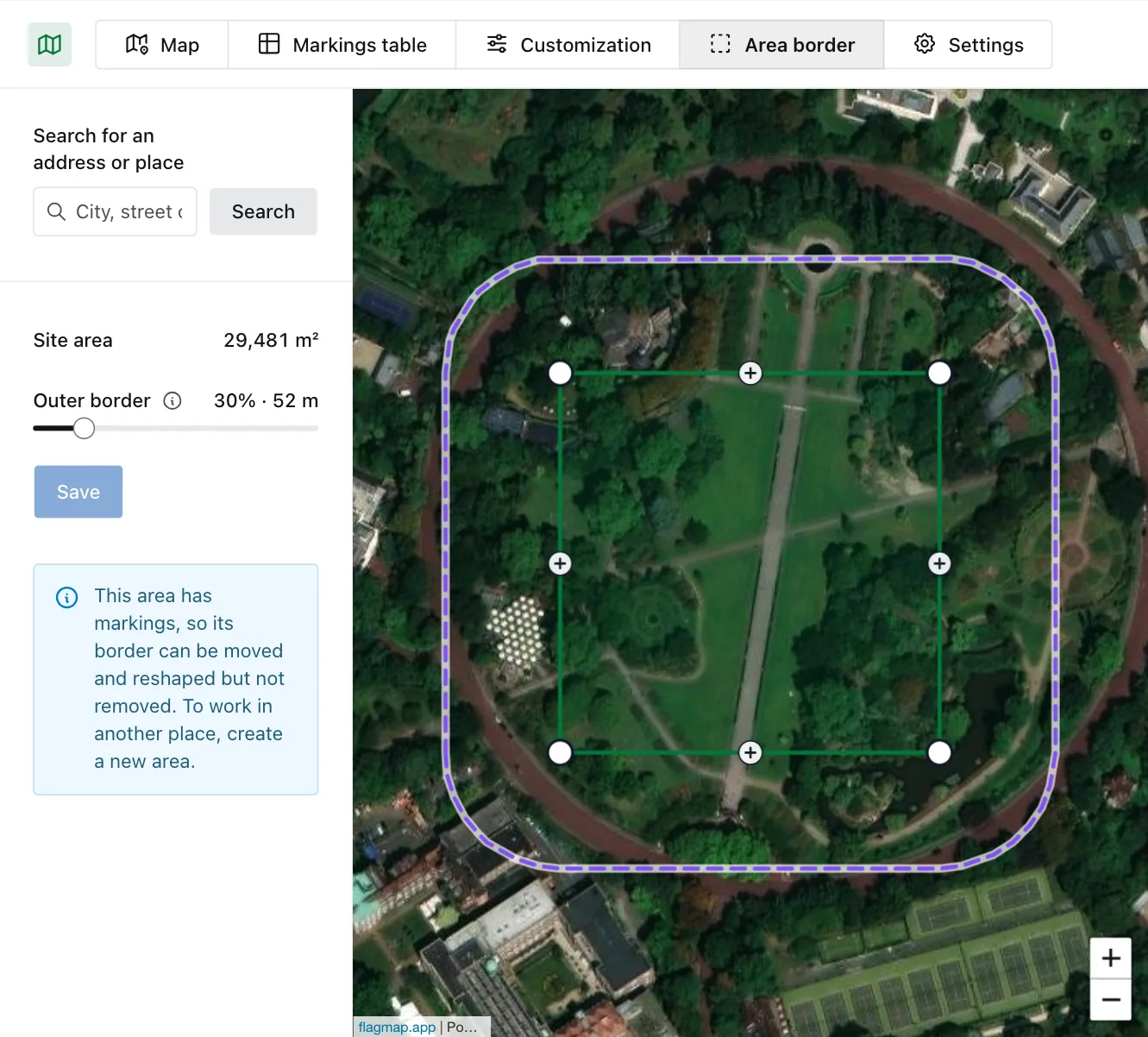
Draw the grounds
Search for the address and tap the corners of the park, the campus or the course.
Set up what you record
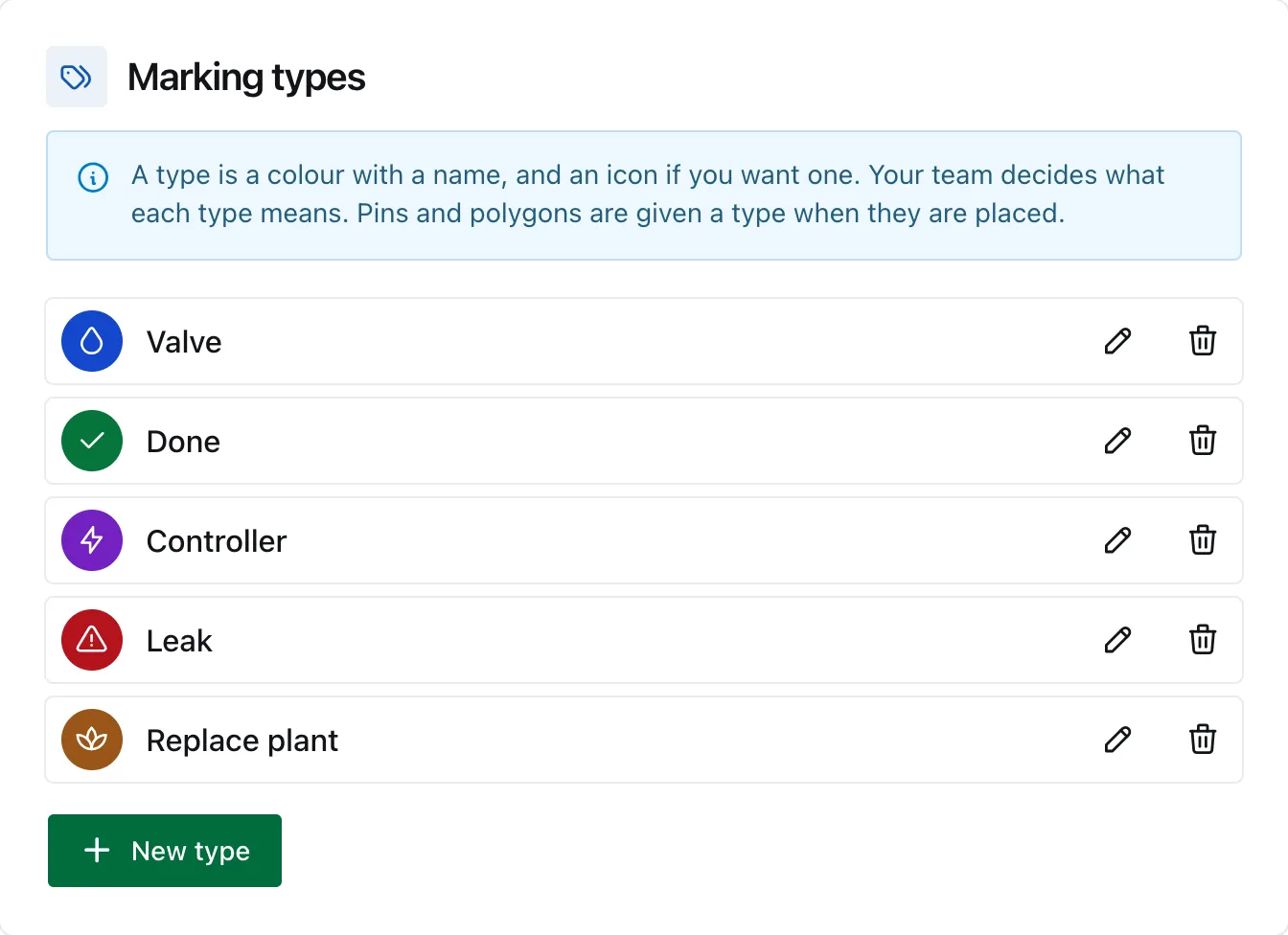
Create types such as Defect, Asset, Tree work and Done. Add form fields for the item and the priority.
Mark it on the walk
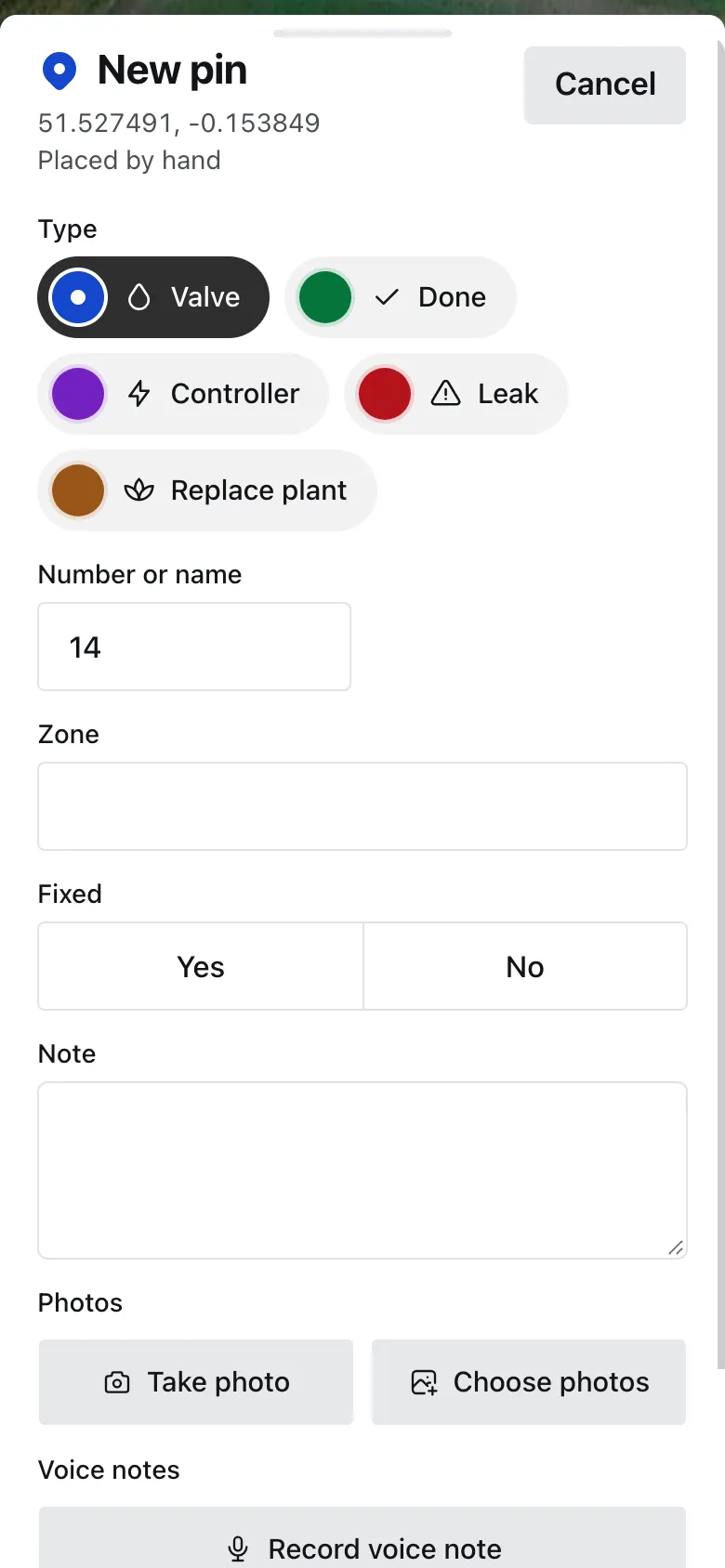
Stand at the bench, tap the map, choose Defect, take the photo and keep walking.
What you get
Every defect found on the walk is assigned before you leave.
Inspection walk
One walk, every defect on the map.
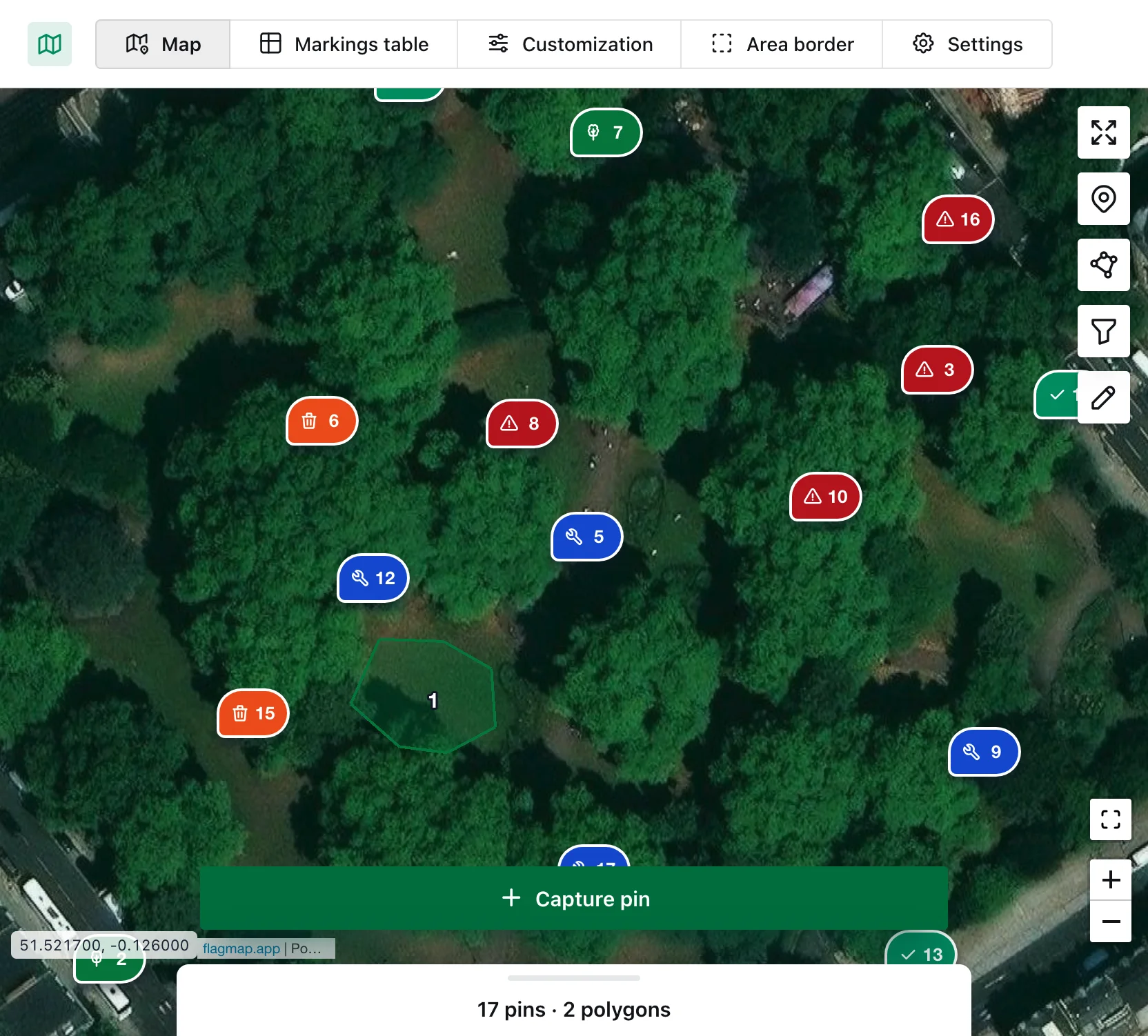
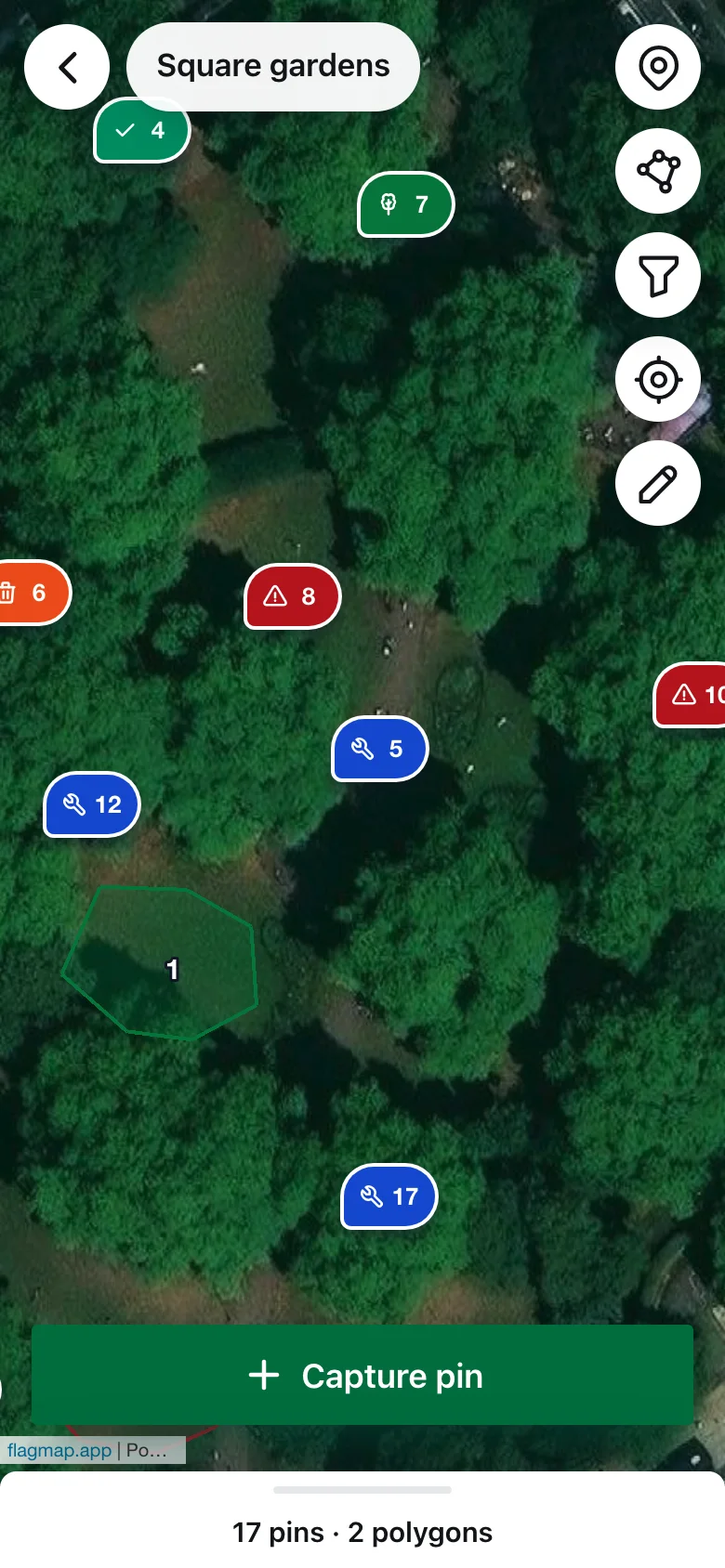
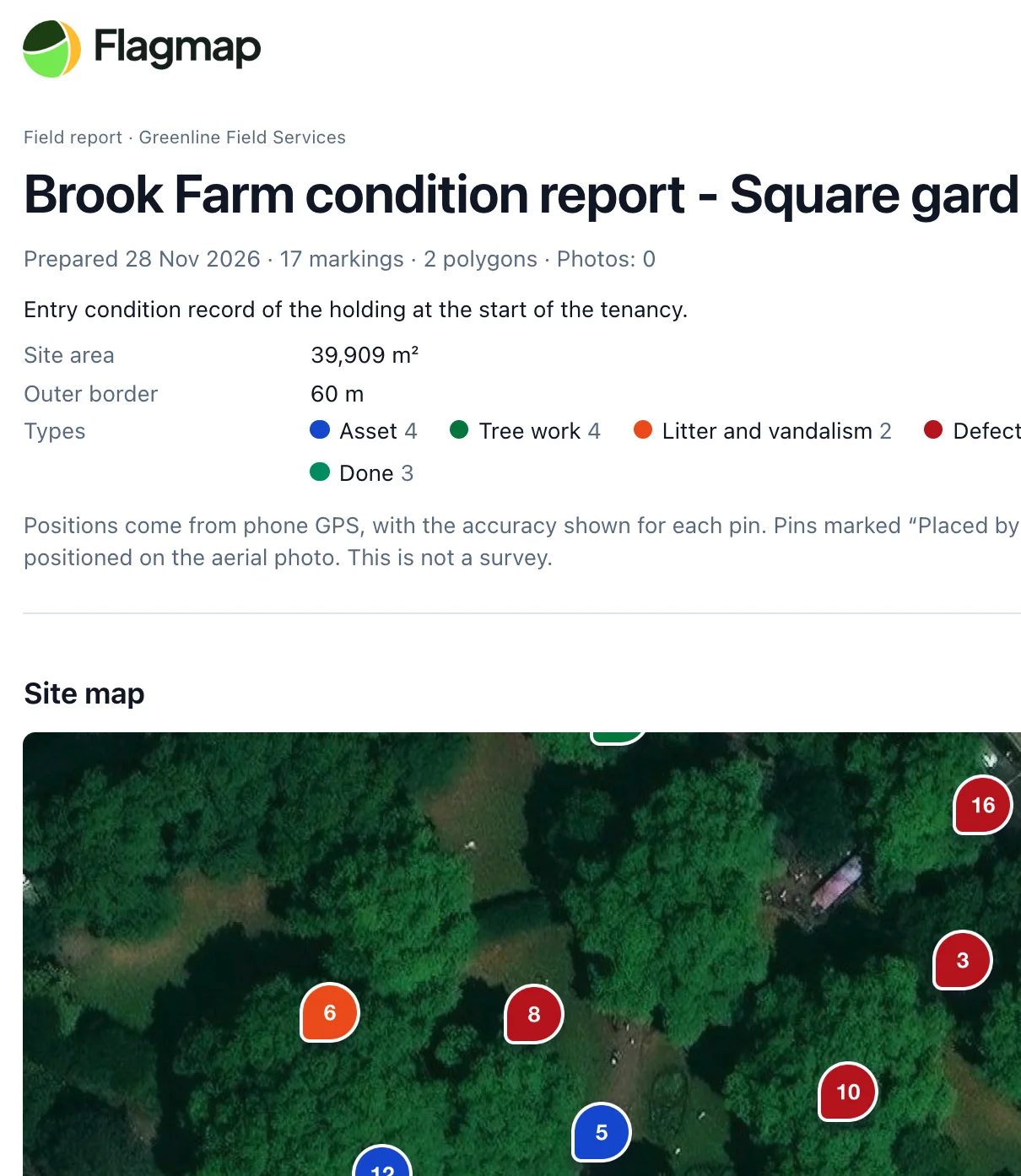
Each finding is a numbered marking on the aerial photo of the grounds, in the colour of its type, with its photo and priority. The map shows where you are standing.
- Defects, assets and tree work in their own colours
- Item and priority as form fields
- Shapes for worn lawns, beds and closed areas
Jobs
Each defect becomes a job for a person.
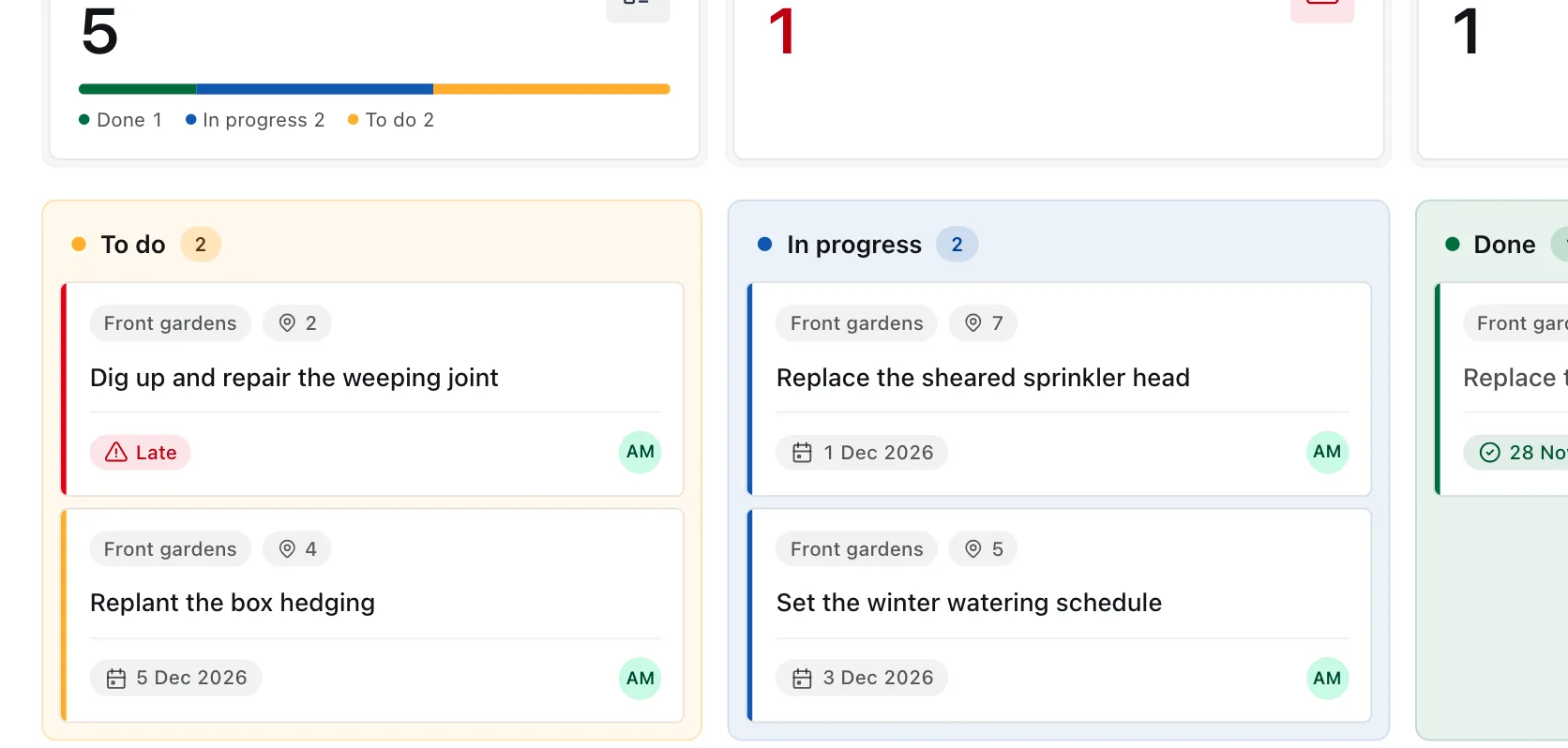
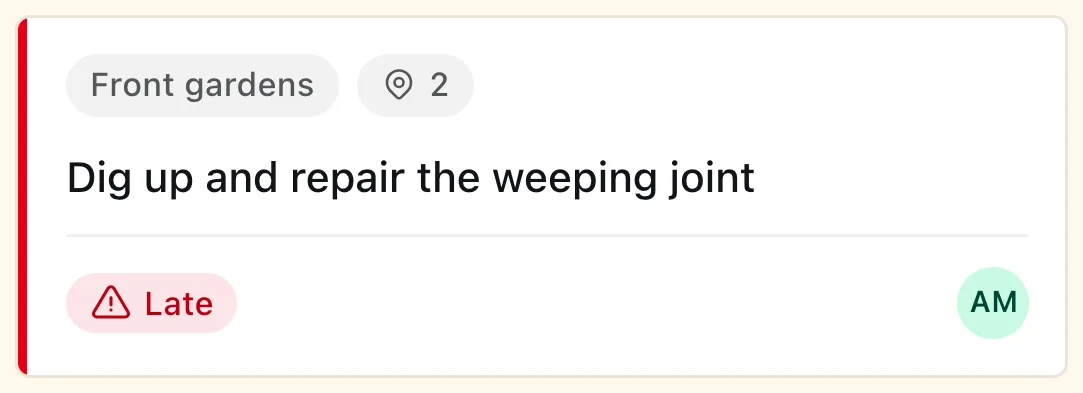
Assign a marking as a task with a due date. The crew member sees it on their phone at its exact spot, and you see it on the board until it is done.
- Tasks on the marking they belong to Team plan
- A board of what is to do, in progress and done
- Late jobs shown in red
Inspection record
A dated record of every inspection.
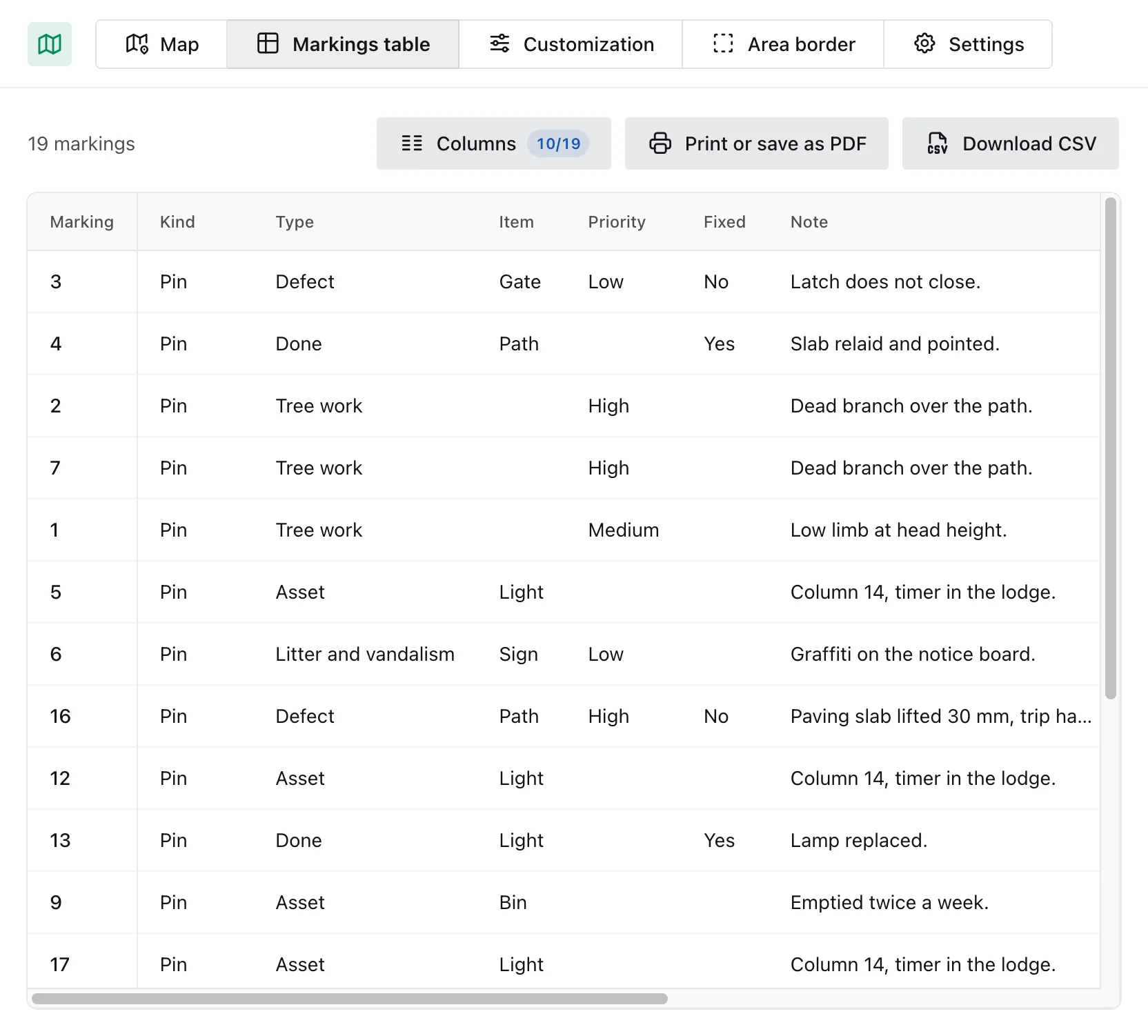
Each marking keeps the date and time it was recorded and its photos. The table and the printed report show what was found, where and when.
- Date and time on every marking
- The table as a spreadsheet
- The report with the map, printed or saved as a PDF
Assets
Know where every bench, bin, sign and light is.
Mark each asset once. Next season's crew opens the map and finds the stopcock, the memorial bench and column 14 without asking.
- An asset type with your own fields
- Notes and photos on each asset
- Each person uses their own language
What you record
Your own types and form, set up in minutes.
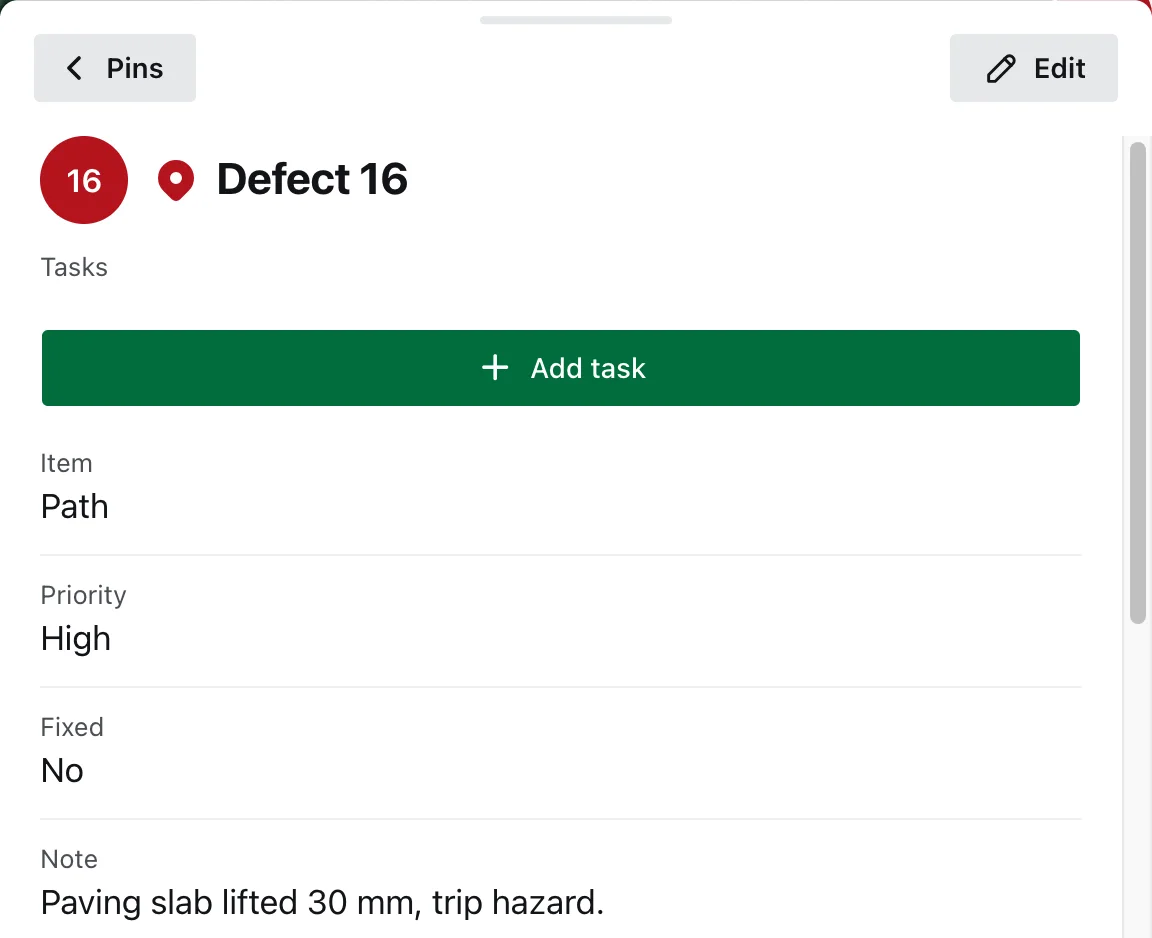
Create a type for each thing you record and the form fields you want filled in. These are examples to start from.
- Item
- Path
- Priority
- High
- Fixed
- No
- Note
- Slab lifted 30 mm, trip hazard
- Item
- Bench
- Note
- Memorial bench, keep clear when mowing
- Priority
- Medium
- Note
- Low limb at head height over the path
What you hand over
An inspection report the client, the board or the council can read.
Print the report with the map and every finding, download the table as a spreadsheet, or send a view-only link so they see the grounds themselves.
Spreadsheet
Every marking as a row with your columns, as a CSV file for Excel or Google Sheets.
PDF report
The site map and every marking with its details, printed or saved as a PDF.
View-only link
The live map, notes and photos for people outside your company, with no account.
Can I keep separate maps for separate sites?
Yes. Each park, course or campus is its own site with its own border, types and form fields. Group them into projects on the Team plan.
Can the crew see only their own jobs?
Each person has a My tasks list with the tasks assigned to them, on a list and on a map.
Can I show how often a site was inspected?
Every marking keeps the date and time it was recorded. The table and the report show them for each visit.
Does it work with no signal?
Yes. Open the site once with signal and it works there with no signal after that. Your markings sync automatically when you are back online.
Can my client see the map?
Yes. Send a view-only link. Your client sees the map, the notes and the photos without an account and cannot change anything.
Start today
Leave your next site with the paperwork done
Try FieldFlag on your next site visit. It is free for one person and one site, with no time limit.